

Description
Download Plarium Play Launcher – gaming platform, PC games, game launcher, Windows gaming, Plarium Play, multiplayer games, strategy games, RPG games, simulation games, casual games
Overview
Plarium Play Launcher is a dedicated gaming platform designed to bring a diverse selection of games to Windows PC users. Developed by Plarium, a well-established name in mobile and browser-based gaming, the launcher serves as a centralized hub for accessing various game titles across multiple genres. Its primary purpose is to simplify the process of discovering, launching, and playing games on desktop systems, offering a streamlined alternative to managing individual game installations.
The platform targets casual and dedicated gamers alike, particularly those who enjoy strategy, role-playing, simulation, and puzzle-based gameplay. It caters to users seeking a unified experience that bridges the gap between mobile gaming habits and PC-based play. Real-world use cases include players who want to continue their progress from mobile devices, enjoy multiplayer interactions on larger screens, or explore new genres without the hassle of downloading and managing separate game clients.
As part of Plarium’s broader ecosystem, the launcher enhances cross-platform accessibility and reinforces the company’s commitment to delivering accessible, engaging gaming experiences. The integration of social features and a curated library positions it as a competitive entry in the growing market of PC game launchers, especially for fans of browser-to-desktop transition gaming.
Key Features & Functionality
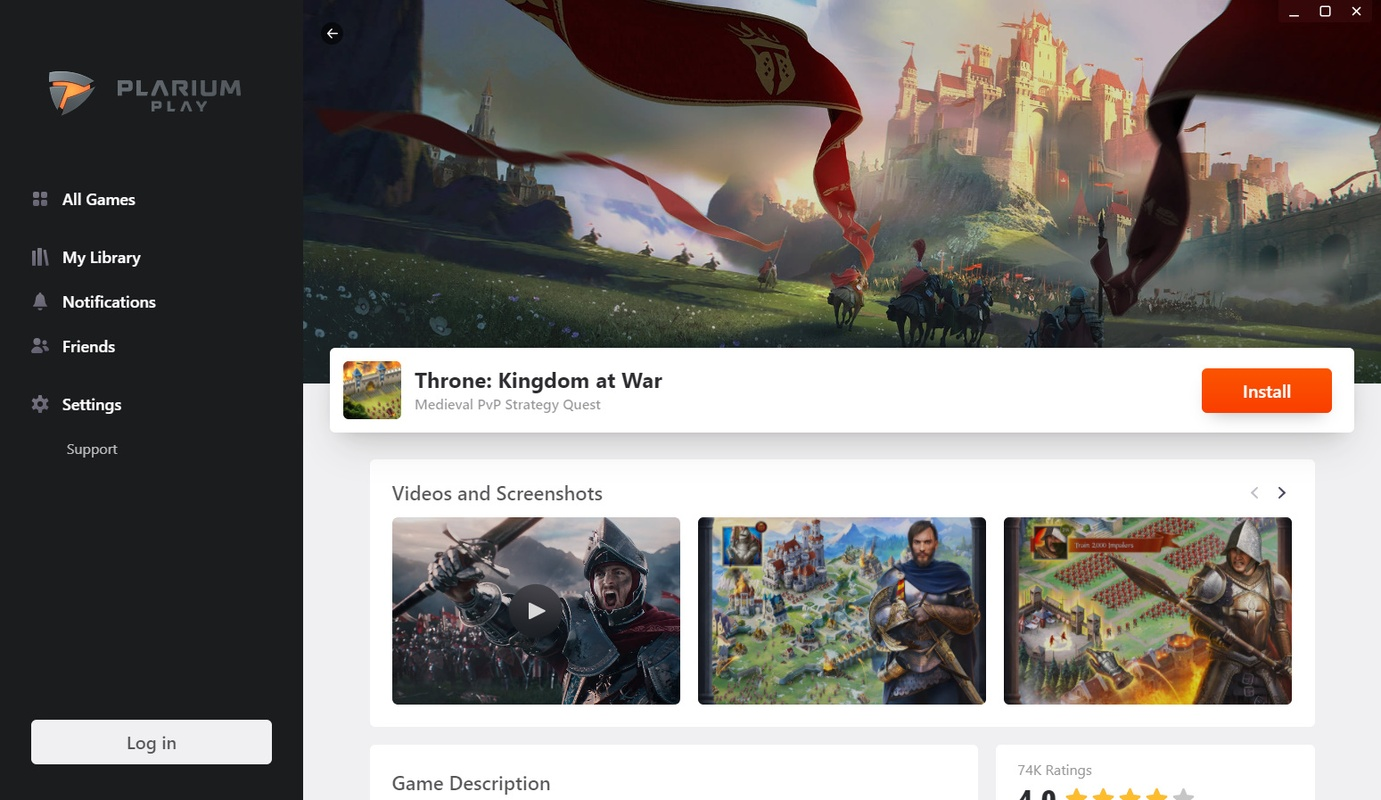
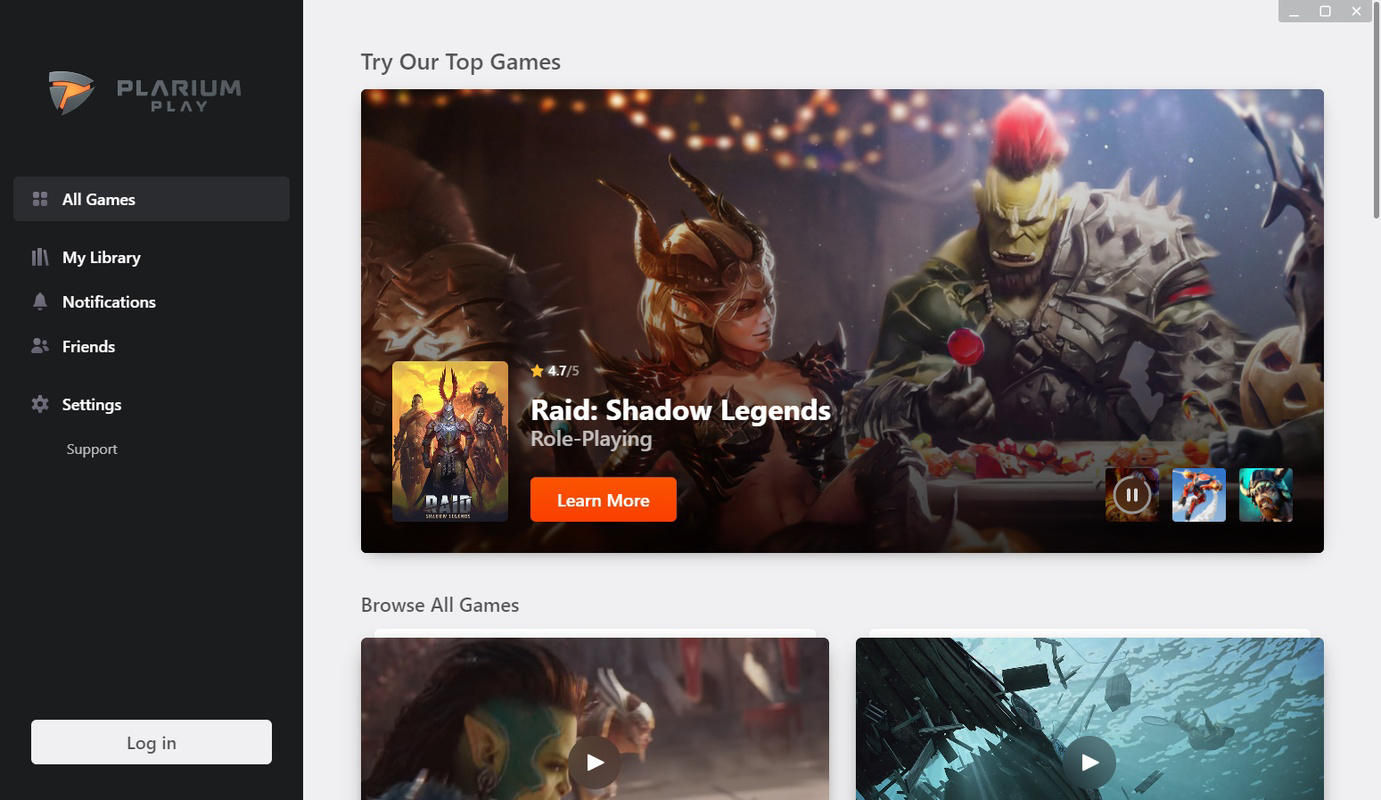
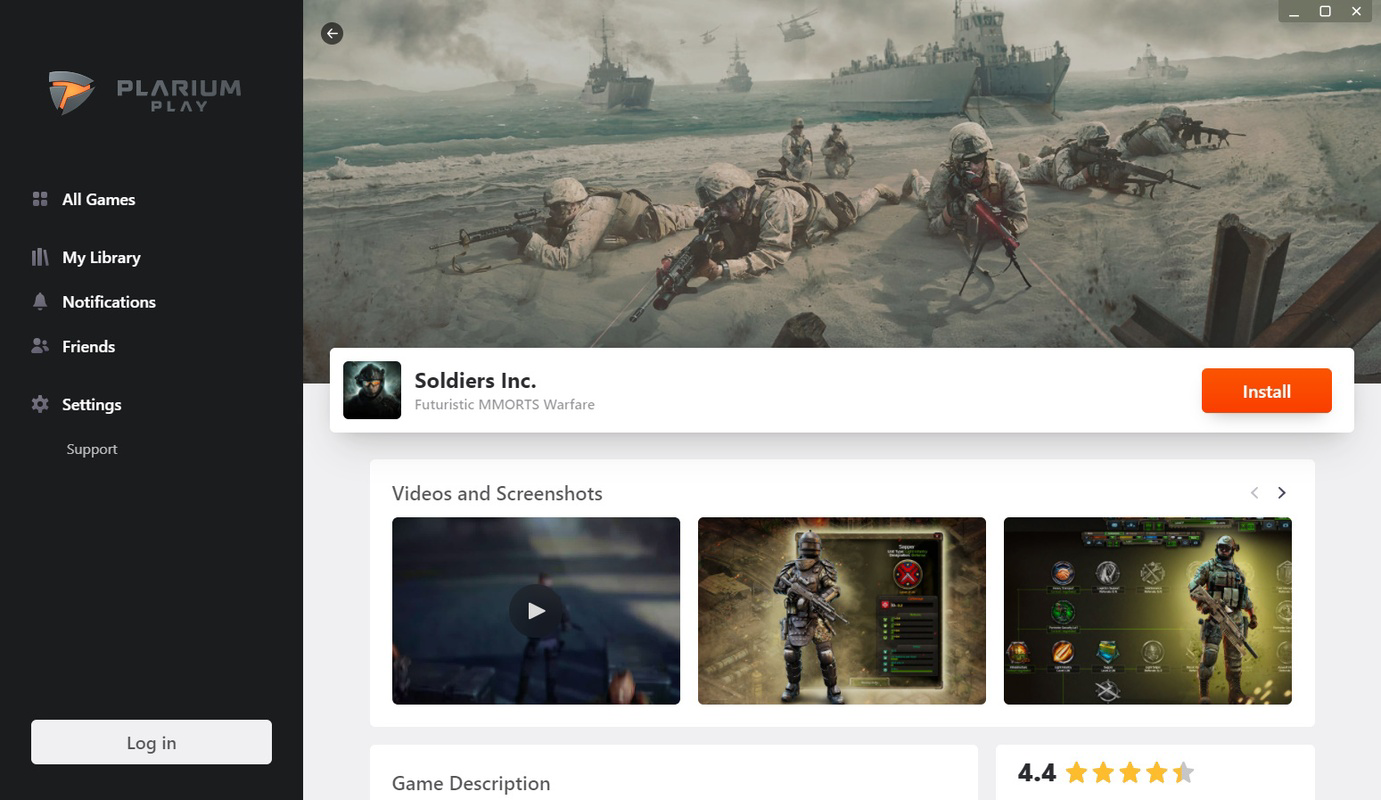
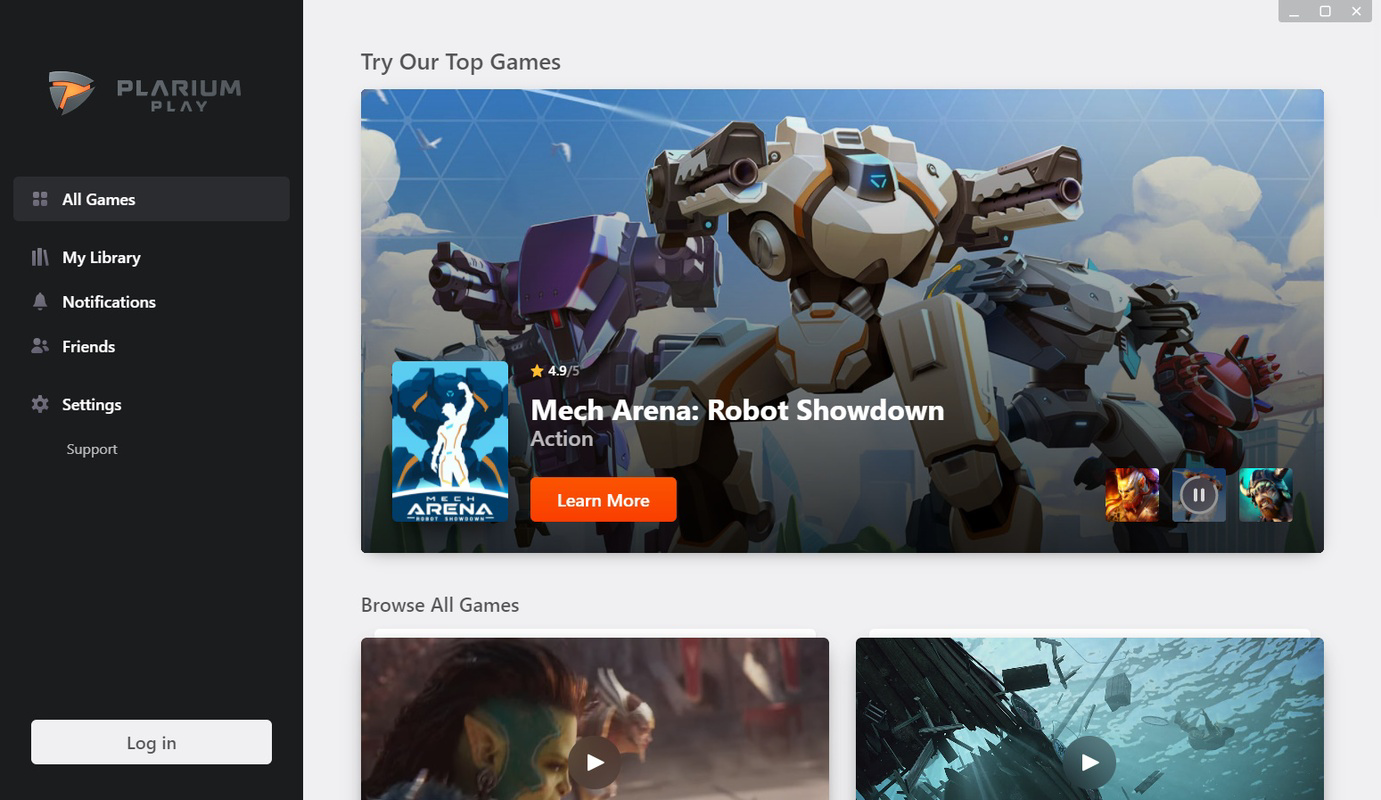
- User-friendly interface: The launcher features an intuitive layout that prioritizes ease of navigation. Players can quickly access their favorite titles without extensive setup, with a clean design that minimizes clutter and supports rapid game launching.
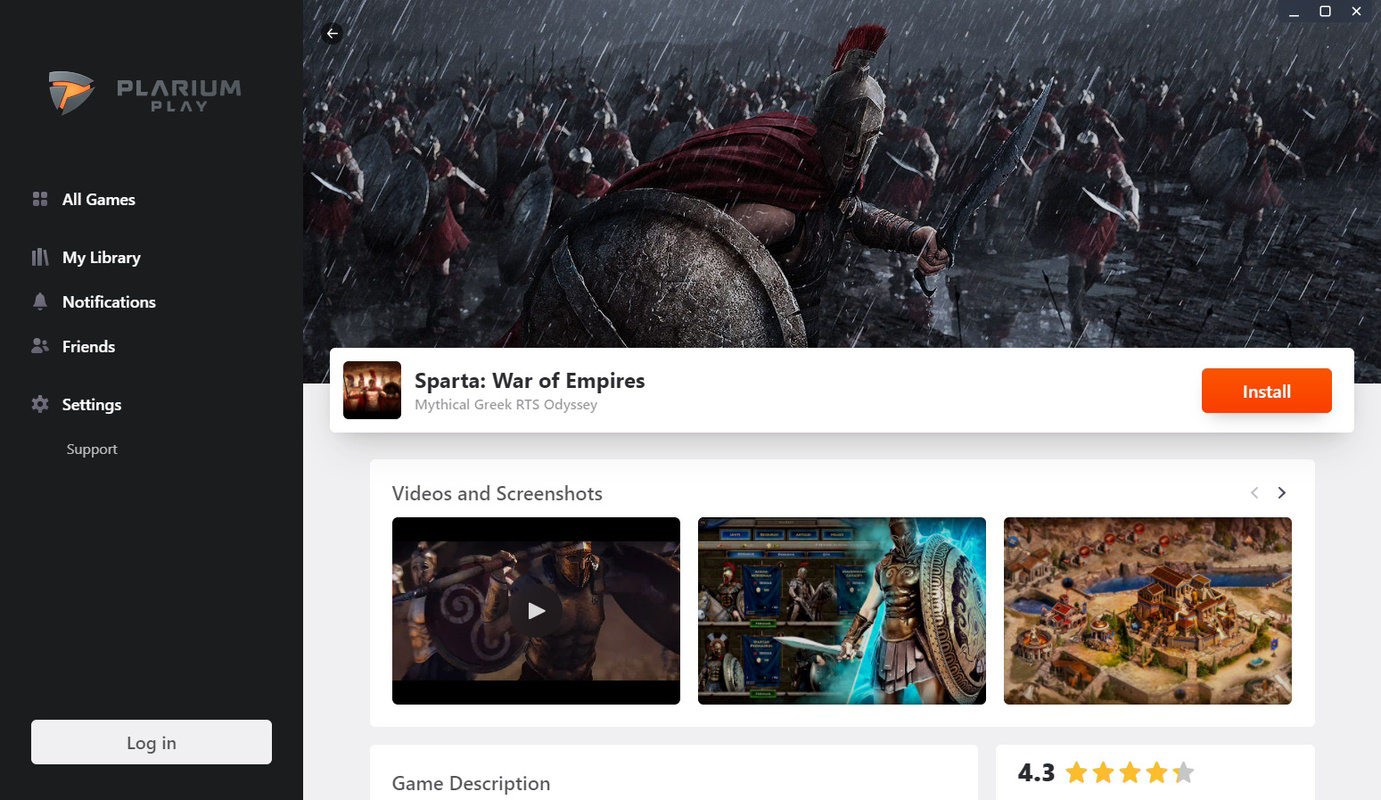
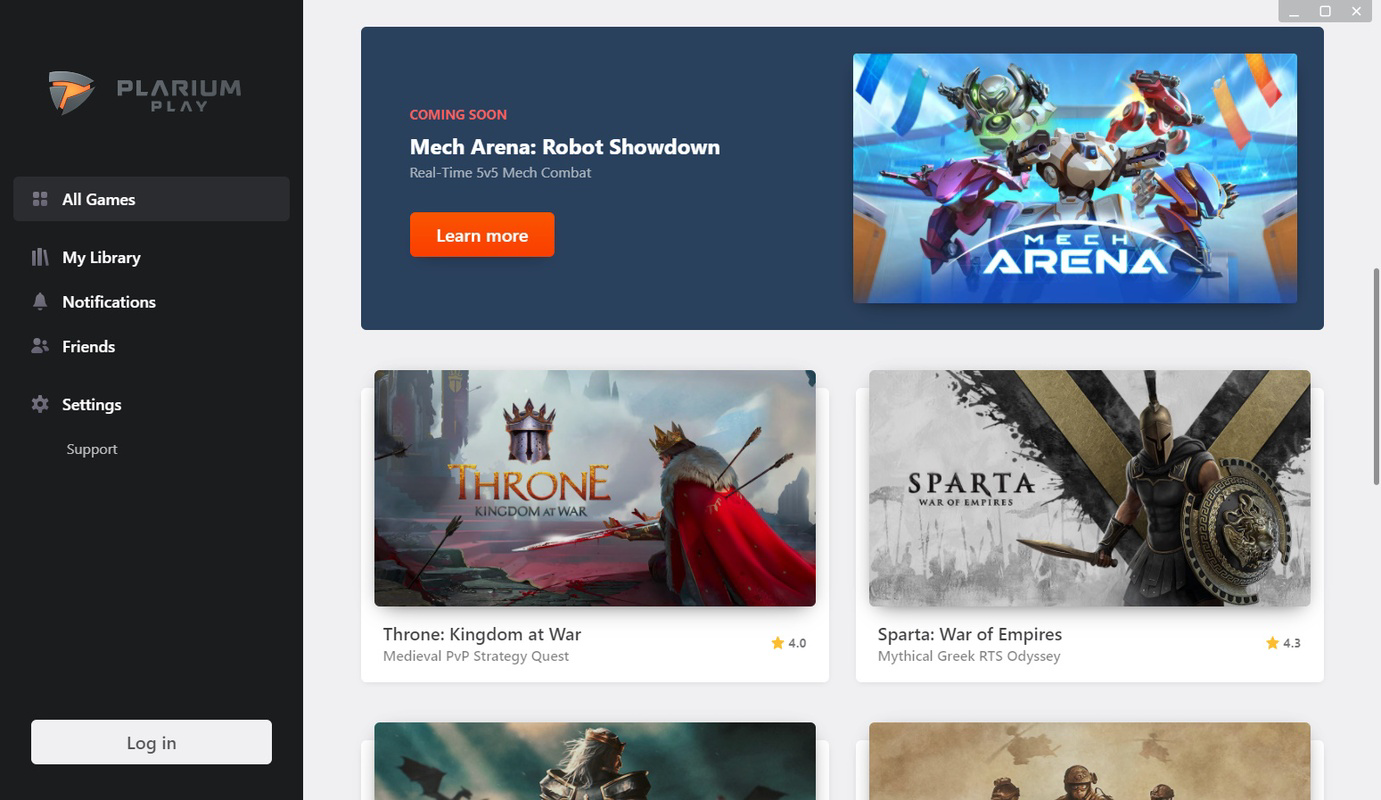
- Extensive game library: A broad collection of titles spans strategy, role-playing, simulation, casual, and puzzle genres. Users can browse by category or utilize the built-in search function to locate specific games or discover new ones based on preferences.
- Social integration: Built-in chat functionality enables real-time communication with other players. Users can form or join clans, collaborate on objectives, and participate in community-driven events, enhancing multiplayer engagement.
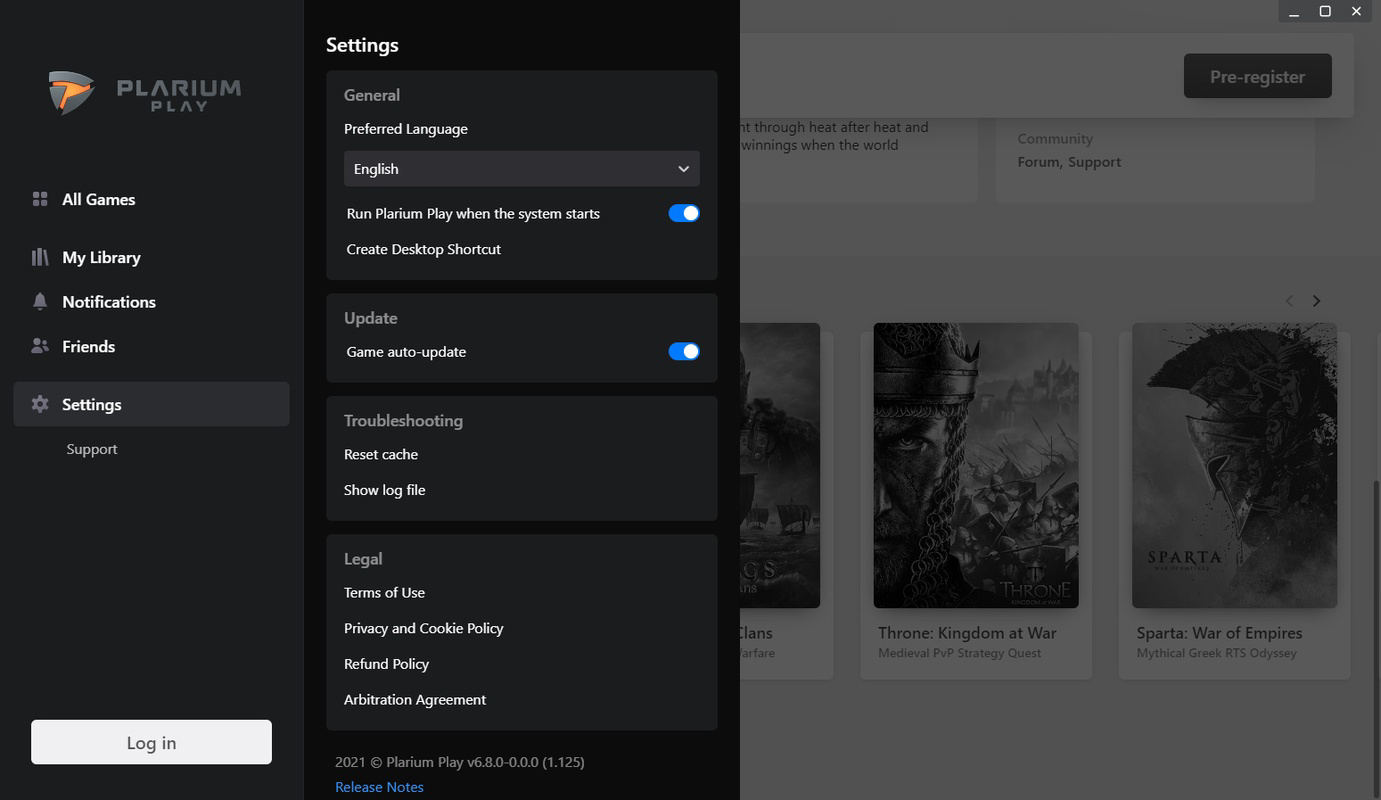
- Customization options: Players can personalize the launcher’s appearance using various themes and backgrounds. This feature allows users to tailor the interface to reflect their individual style, creating a more immersive and personalized gaming environment.
These features support practical use cases such as managing multiple game accounts, joining community challenges, and maintaining consistent gameplay across devices. The launcher’s focus on accessibility and personalization makes it suitable for both new and experienced users seeking a cohesive gaming experience on Windows.
Interface, UX & Performance
The user interface of Plarium Play Launcher emphasizes clarity and efficiency, with a well-organized layout that groups games by genre and recent activity. Navigation is straightforward, relying on consistent menu structures and visual cues to guide users through the platform. The design avoids unnecessary complexity, making it accessible even to users with limited technical experience.
Although the developer did not list formal performance metrics, the launcher’s 240 MB file size suggests a lightweight footprint, which may contribute to fast startup times and minimal system resource consumption. Users across different device categories—ranging from mid-tier to high-end Windows systems—can expect stable performance, assuming standard system requirements are met.
Responsiveness appears to be a priority, with smooth transitions between menus and quick loading of game launch options. Stability is implied by the absence of reported issues in the provided documentation. However, specific details on crash rates, update frequency, or background processes were not disclosed.
Platform Compatibility & Technical Requirements
Plarium Play Launcher is available exclusively for the Windows operating system. It is compatible with Windows-based PCs and requires a minimum system configuration that has not been publicly specified. The application size is 240 MB, indicating a compact download and installation process.
The current version is 1.0.1, released on August 10, 2024. While the developer did not specify minimum OS requirements, users are advised to ensure their system meets general standards for running modern desktop applications. Compatibility with older Windows versions was not confirmed.
Pros and Cons
Pros
- Free to download and use, eliminating initial cost barriers.
- Centralized access to a wide variety of games across multiple genres.
- Intuitive interface designed for ease of use and quick navigation.
- Supports social interaction through chat and clan systems.
- Customizable themes and backgrounds for personalization.
Cons
- Specific technical requirements were not listed by the developer.
- Compatibility with older Windows versions was not confirmed.
- Performance details under heavy usage were not disclosed.
- No information provided on update frequency or future feature roadmap.
- Limited availability—currently only supports Windows.
FAQ
Is Plarium Play Launcher safe to download?
Yes, the launcher is developed by Plarium, a reputable company known for its mobile and browser-based games. The application is free and distributed through official channels, making it a secure option for users seeking a reliable gaming platform.
Can I play my mobile games on PC using this launcher?
The launcher allows access to a range of games developed by Plarium, many of which are originally mobile titles. While the platform enables desktop play, specific game compatibility depends on whether the game has been adapted for Windows.
Is the launcher available for Mac or Linux?
Currently, Plarium Play Launcher is only available for Windows. There is no official support for Mac or Linux systems as of the release date.
How often does the launcher receive updates?
Update frequency has not been publicly disclosed. Users are encouraged to check the official website or platform for the latest version and patch notes.
Does the launcher require an internet connection?
Yes, an active internet connection is required to launch games, access the library, and use social features such as chat and clan participation.
Final Thoughts
Plarium Play Launcher stands out as a well-structured, free-to-use gaming platform tailored for Windows users who enjoy strategy, RPG, simulation, and casual games. Its clean interface, social integration, and customization tools create a cohesive and enjoyable experience for both casual players and dedicated gamers. The absence of a price tag enhances its accessibility, while the focus on cross-platform continuity offers a meaningful advantage for those who play across devices.
While technical details such as system requirements and update schedules remain undisclosed, the launcher’s lightweight design and intuitive navigation suggest a user-friendly experience. It fills a niche in the PC gaming space by bridging mobile gaming habits with desktop capabilities, making it a compelling choice for Plarium’s existing fanbase and new users exploring genre-specific titles.
For anyone looking to expand their gaming library on Windows without the complexity of managing multiple installers, Plarium Play Launcher offers a practical and engaging solution.
Download Plarium Play Launcher now
Guides & Tutorials for Plarium Play Launcher
How to install Plarium Play Launcher
- Click the Preview / Download button above.
- Once redirected, accept the terms and click Install.
- Wait for the Plarium Play Launcher download to finish on your device.
How to use Plarium Play Launcher
This software is primarily used for its core features described above. Open the app after installation to explore its capabilities.
User Reviews for Plarium Play Launcher 0
No reviews found


